
Infection by a Cryptovirus
Since the end of 2015, crypto-lockers have been spreading with great speed. They infect computers and all connected data storage, including those in the cloud. Personal documents, images, and even movies are encrypted in the process. In the aramido laboratory, we did what one should never do: we opened an email with a ransomware trojan and infected ourselves with Locky. We show you how an infection proceeds and what options there are to recover the encrypted data.
Suspicious Email with Attachment
In our laboratory, we prepared a computer with Windows 8 and the email program Microsoft Outlook, as it is used in companies or at home. Additionally, we installed the Windows-native firewall and a virus scanner. Outlook did not classify the email with the cryptovirus as spam; however, a trained eye quickly recognizes that something is wrong:
- the greeting is somewhat short with "Hello ," and the name is obviously missing,
- two spelling mistakes in a one-liner are strange,
- two invoices in a Word macro document (.docm) are unusual and
- as claimed in the email, we have never discussed anything with Avdyl Hima.
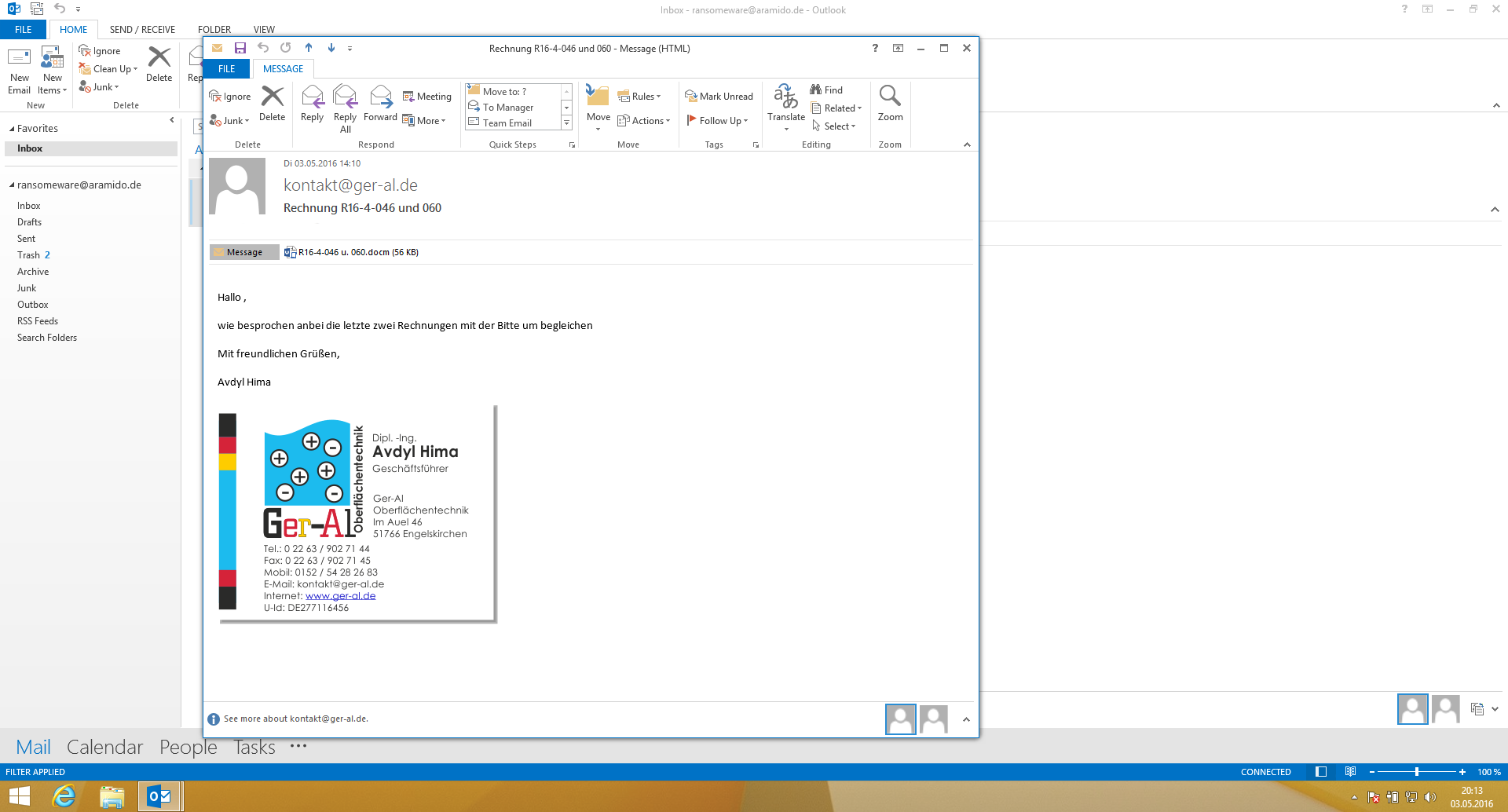
After opening the document, we have to activate macros and it takes a moment, after which we receive a warning from our virus scanner. This promptly recognized the trojan and prevented further execution. However, since it may be that the virus scanner does not yet know a new trojan, we deactivate the virus scanner. After that, everything happens very quickly: after reopening the invoice and activating the macros, all files on the computer are encrypted and we receive the blackmail letter. We have infected ourselves with the crypto-trojan Locky.
All files were encrypted with RSA-2048 and AES-128 digits.
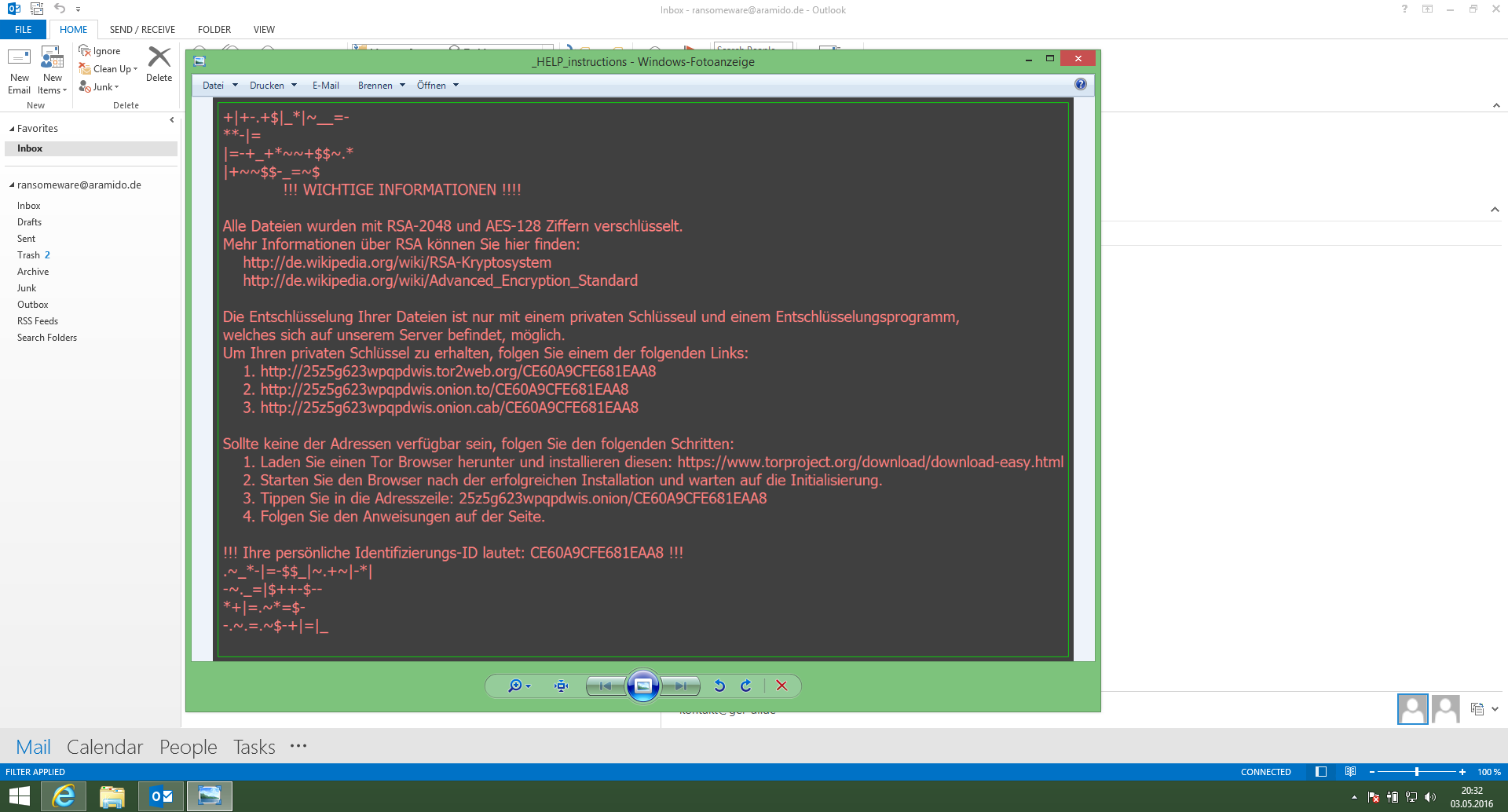
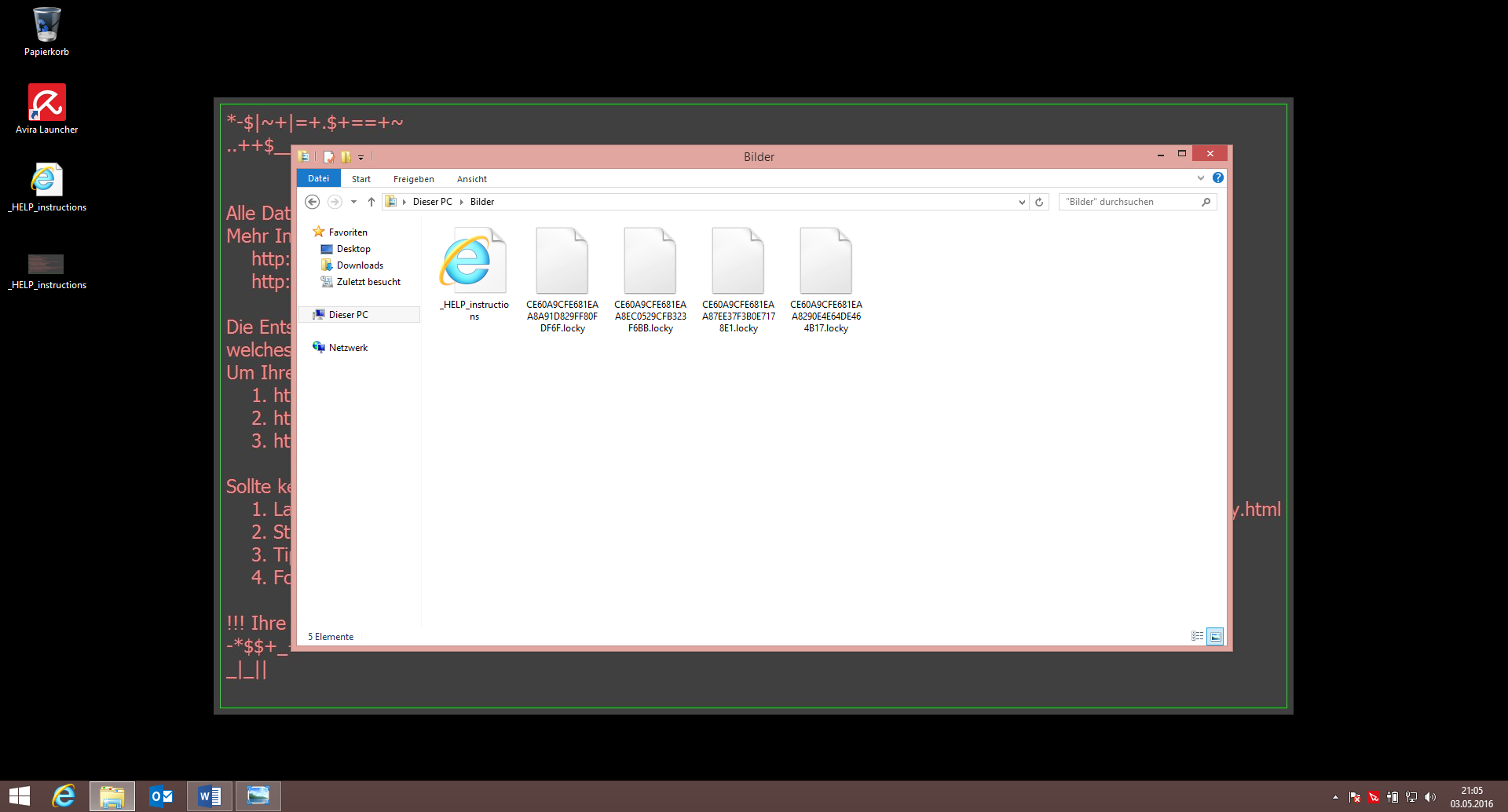
The Windows Photo Viewer and the browser open automatically with the message that all files have been encrypted with RSA-2048 and AES-128 digits. The desktop background image was also replaced with the same message. A glance at one's own files reveals that the blackmailers have made good on their threat. Every file now has a cryptic file name and the extension .locky.
Paying the Ransom with Bitcoins
In order to remain anonymous and invisible, the blackmailers use the Tor network. The website we are asked to visit to receive information on the ransom payment therefore cannot be traced. On this website, we are offered to buy the Locky Decryptor, with which we are allegedly then able to decrypt our files again. It is also explained how we can pay the ransom demand of 4.1 BTC (Bitcoins) – equivalent to nearly 2000 €.
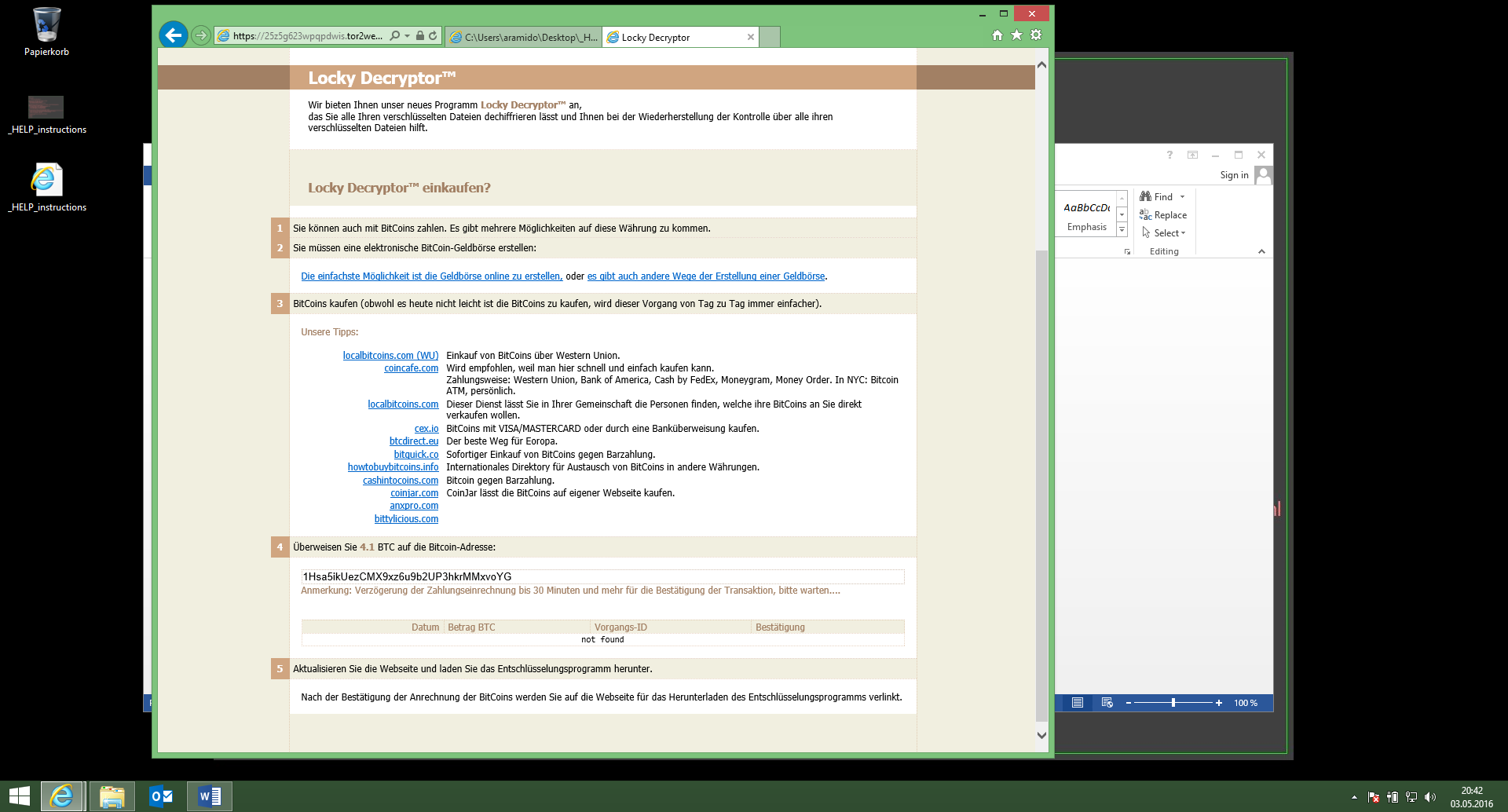
At this point, we do not go any further: responding to the ransom demand is not an option for us, as we are prepared for emergencies with backups and other measures . However, we will report in a further post how the data can be restored through decryption software or other measures.
Conclusion
An infection by ransomware has severe consequences: personal files are quickly encrypted and there is no way to recover the data unless one has prepared sufficiently for such an emergency or is prepared to pay the ransom. Those who identify suspicious emails and keep their software including virus scanner up to date have a low risk of becoming infected with a cryptotrojan. If the computer is nonetheless infected, the correct actions in this emergency situation must be initiated.
Technical Background Information
The infection took place by executing macros from the Word document. In the document itself, one finds a large amount of heavily nested, partly redundant macro code to disguise the actual procedure.
Sub autoopen() 'This Sub is executed when the document is opened
If deletemonsters(0) > 0 Then 'In rare cases (deletemonsters == 0) the victim is not infected
  makeplatform 0, 0, 0, 0 'Once again executes several Subs nested and sequentially
End If
End Sub

Function deletemonsters(a As Integer) As Double
    Dim b As Integer
    If a > 0 Then 'This condition is always FALSE here
        For b = 0 To 16
            plan.ets(a).mon_template(b) = m
            plan.ets(a).mon_noamin(b) = 0
            plan.ets(a).Mon_noamax(b) = 0
        Next
    End If
Randomize
deletemonsters = Rnd 'A number smaller than 1 and greater than or equal to 0 is returned
End Function
Further macro code loads obfuscated instructions from the properties of an image integrated into a form in the document, through which further malware is loaded and executed. The URL for this is assembled from ASCII characters through complicated instructions, so that a text search for domains or character strings such as "http" remains unsuccessful.
In our case, the malicious code was downloaded and executed from an infected server of a Polish school. This behavior is frequently observed and there are numerous hosts on the internet that have been hijacked due to security gaps or weak security measures. Secure your services sufficiently against attacks and have them checked through a penetration test .
